 PvZ Sex Lawn
Fan-made tower defense
Hold the lawn.

PvZ Sex Lawn
Adult fan game · 18+ only
Launching PvZ Sex Lawn
Preparing the browser build...
PvZ Sex Lawn
Play PvZ Sex Lawn in your browser
The lawn looks manageable until three lanes need help at once. You have enough sun for one plant, a blocker is almost gone, and the next wave is already walking in. PvZ Sex Lawn puts those small decisions at the center of a fan-made tower defense demo. Choose a plant, put it where it can do work, and keep watching the lanes you thought were safe.
Use the player above to start. The website needs no account or payment details, and the game loads only after you press Play. This adult game is for players aged eighteen or older. Set the pause control before getting settled into a level.
What kind of game is it?
PvZ Sex Lawn keeps the readable, row-based defense setup: plants hold the lawn while enemies approach from the right. Sun pays for new placements. Different plants fill different jobs, so buying the most expensive card is not automatically the best move. A cheap unit in the right lane can buy time for the rest of your board.
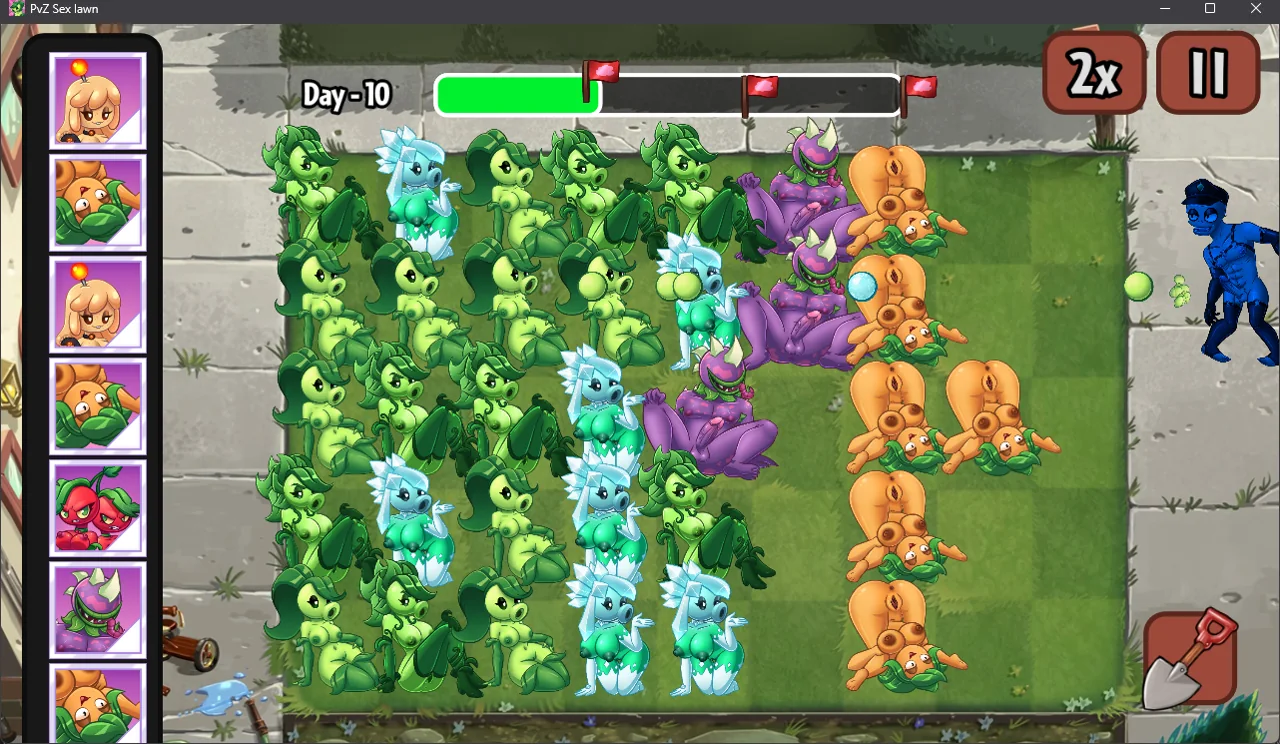
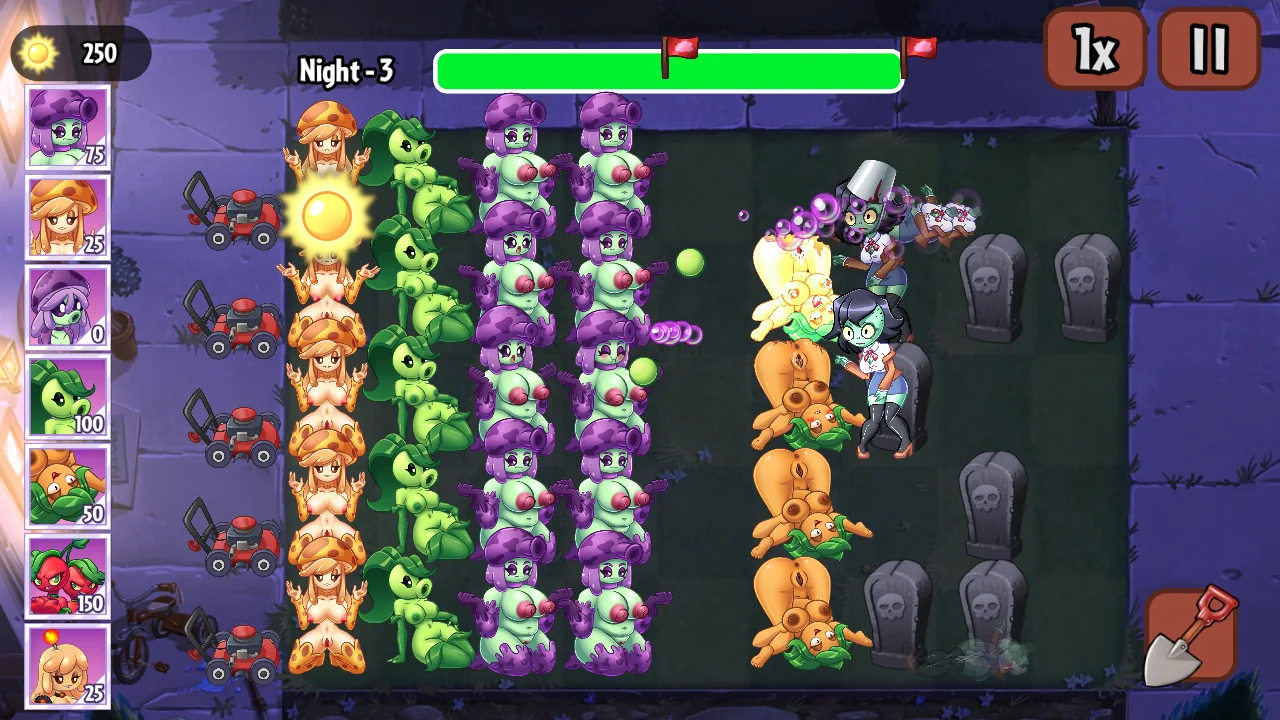
The available demo has thirteen levels and eleven plants. There are daytime and nighttime boards, a wave progress bar, lawn mowers near the house, and controls for pausing and changing speed. PvZ Sex Lawn Game is a demo, so treat what you see in the player as the available experience rather than expecting a finished campaign, extra modes, or a promised update date.
How to play: your first lawn
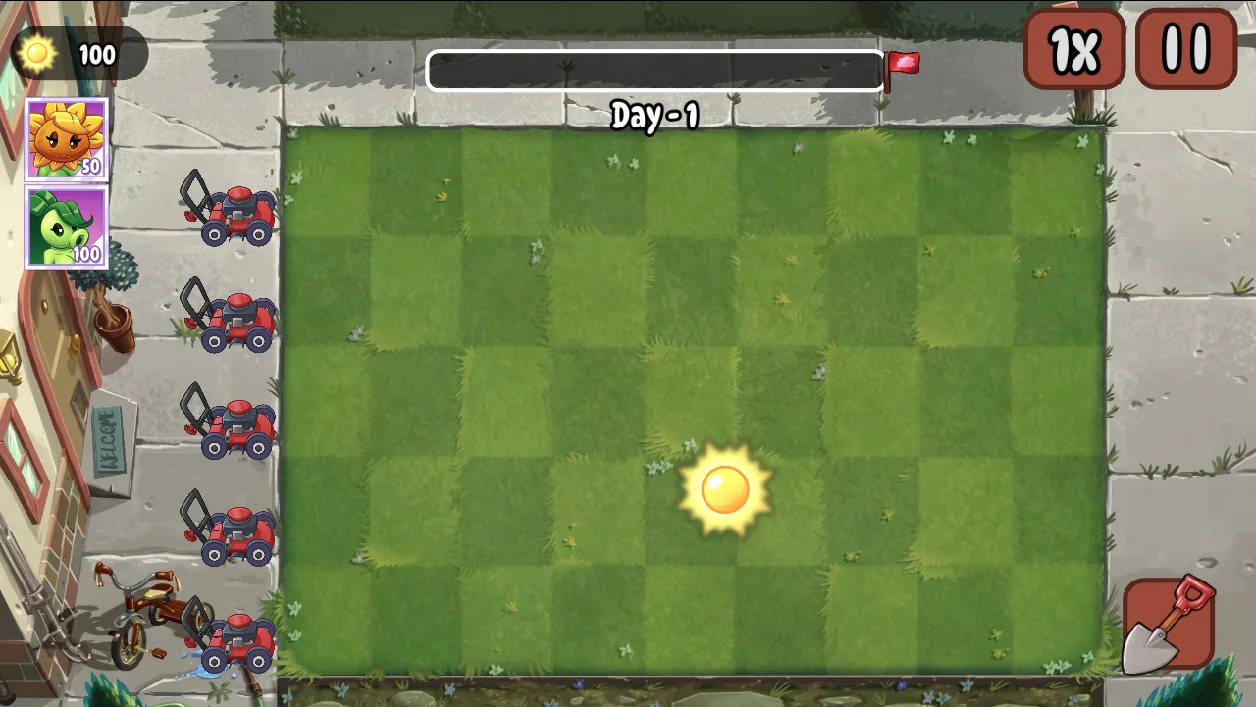
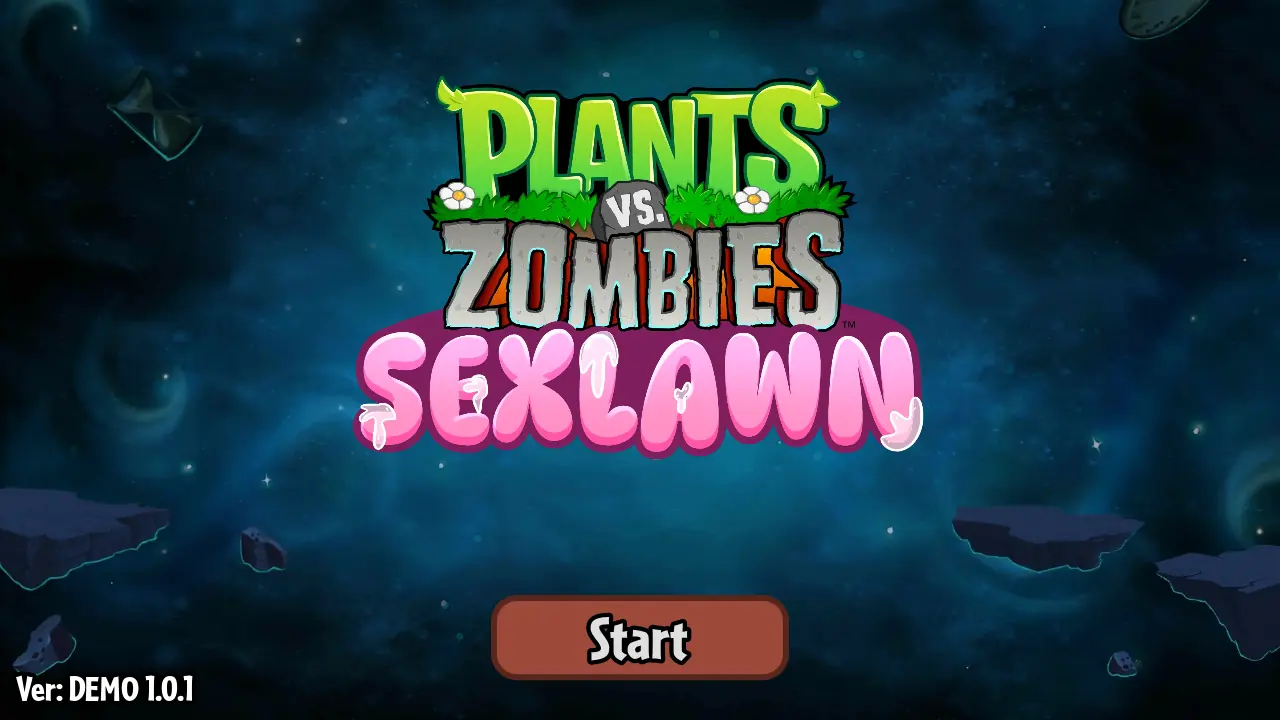
Start PvZ Sex Lawn from its title screen, then look at the board before placing anything. Your sun total sits at the upper left. Plant cards show their cost. The lawn is divided into rows and spaces, and enemies move toward the house from the opposite side. The empty opening gives you a moment to decide where your first purchases belong.
- Collect the sun tokens that appear on the board.
- Select an affordable plant card, then select a lawn space.
- Add an attacker to a lane before its enemies get too close.
- Watch the whole board while building more sun income.
- Use pause when you need a moment to inspect the situation.
For a first PvZ Sex Lawn run, keep the speed at its normal setting. Faster play makes familiar rounds shorter, but it also shortens the time you have to notice an empty lane. Learn where the cards, shovel, pause button, and sun counter sit before changing the pace.
Spend sun with the next wave in mind
A common mistake in PvZ Sex Lawn is treating every new sun token as permission to buy something immediately. Spending feels productive, but an empty reserve leaves no room to respond. Before choosing a card, ask which row will need help next. If a plant is already handling one enemy comfortably, another purchase in that row may do less than a basic attacker somewhere else.
Sun-producing plants are useful because they support later spending. They still occupy space and cost resources up front. Build income while watching the nearest threat rather than filling the back of the lawn on autopilot. PvZ Sex Lawn rewards a board that can survive long enough to benefit from that income. A strong economy cannot repair a lane that has already collapsed.
Give each lane a job
Think of the back spaces as working room. Plants placed there have more distance between them and incoming enemies. Forward spaces can hold blockers or units that need to meet a threat sooner. In PvZ Sex Lawn, the point is not to copy a perfect diagram. It is to make each purchase solve a problem you can actually see.
Start with coverage across the threatened lanes. After that, add depth where a row struggles. A second attacker can help with a durable enemy; a blocker can give existing attackers more time. Check adjacent rows before strengthening one repeatedly. A crowded lane cannot protect the empty row beside it.
Blockers, attackers, and emergency purchases
PvZ Sex Lawn makes plant roles easier to understand when you watch what happens after placement. Attackers deal with advancing enemies. Blockers delay them. Other plants can change the timing of a fight or deal with a sudden problem. Read the cards and observe their behavior instead of assuming every familiar-looking character works exactly as you remember.
Keep a little sun available when the wave bar approaches a busy stretch. Emergency spending works best when it supports a defense already doing its job. Dropping a blocker in front of several attackers buys useful time. Dropping one into an otherwise empty lane only delays the same problem. When a round fails, look for the purchase that would have changed that lane earlier.
Daytime and nighttime boards
The daytime lawn is a good place to learn the basic rhythm of PvZ Sex Lawn: collect, choose, place, and check every row again. Night boards change the scene and can put obstacles in spaces you might otherwise use. Inspect the lawn at the start of a level. A layout that fitted the previous round may need a small adjustment.
Avoid assuming that a plant has exactly the same value in every situation. Card costs, available choices, obstacles, and enemy pressure all matter. Read the board before following a rigid build order. If the same row keeps breaking, change the opening in that row before replacing your entire strategy.
Mouse, touch, pause, and speed
On a computer, use the mouse to select cards, collect sun, and choose spaces. PvZ Sex Lawn presents its main actions as visible buttons. PvZ Sex Lawn also has a shovel control for removing plants; check the selected tool before tapping the lawn so you do not remove something you meant to keep.
On a phone, try landscape orientation or theater mode when the embedded player feels too cramped. Touch behavior depends on the browser and device. PvZ Sex Lawn Online uses a browser game engine, so a mobile-sized website does not by itself guarantee that every phone will run the game smoothly.
Let the first load finish
The first PvZ Sex Lawn launch downloads the game’s engine and data. A loading screen can remain visible after the website has finished opening. Give it time, especially on a slower connection. Repeatedly refreshing starts that work again and makes it harder to tell whether the game is progressing.
If the screen stays black, try reloading once after checking your internet connection. Check that JavaScript and WebGL are available, then try a current browser or close other demanding tabs. If you hear sound but see no useful picture, leave fullscreen and return to the regular player. Report the browser, device, and visible error when asking for help; “it does not work” leaves too much to guess.
Fullscreen, sharing, and installing
Use fullscreen when you want more room around the lawn. The theater control expands the player within the browser, which is useful when native fullscreen is unavailable. The share control opens a link to this page. Sharing PvZ Sex Lawn does not share your current board, private browser storage, or progress.
The Install button appears only when the browser offers installation or supported iOS instructions. Both the header and player toolbar use the same installation state. Installing PvZ Sex Lawn adds a shortcut to the website; it does not create a separate native game or make the external game available offline. Keep an internet connection for starting the player, and finish your round before reloading for a site update.
Progress and a sensible restart
This website does not provide an account or cloud-save service. The game may keep its own settings or progress, but do not assume a private window, another browser, or another device will share them. Clearing data for the game host can remove whatever it stores. Before refreshing PvZ Sex Lawn, use any progress features available inside the game and expect the active round to restart.
Losing a level is useful information. Notice the first lane that fell behind, whether you overspent before a wave, and whether your sun income arrived too late. Change one decision on the next attempt. It is easier to learn from one deliberate adjustment than from a completely different board you cannot compare with the previous run.
About this fan-made game page
PvZ Sex Lawn is fan-developed. This website is independently operated and is not affiliated with or endorsed by the original developers or publishers. Game names, characters, artwork, and other third-party materials belong to their respective owners. Our About page explains what the website maintains, and our Contact page provides a route for technical reports, privacy questions, copyright complaints, and removal requests.
If you came here to play PvZ Sex Lawn Online, start with the player and return to these notes when a control or loading problem gets in the way. There is no need to memorize every tip before the opening level. Watch the lanes, leave yourself enough sun to react, and make the next placement count.
PvZ Sex Lawn Screenshots
PvZ Sex Lawn FAQ
Is PvZ Sex Lawn a fan game?
Yes. It is a fan-developed tower defense game for adults. This independently operated website is not affiliated with or endorsed by the original developers or publishers.
Can I play PvZ Sex Lawn Online without an account?
Yes. Press the play button to load the browser game. The website does not require registration or payment details. You need an internet connection to load the game.
Is the PvZ Sex Lawn Game suitable for children?
No. The game contains adult imagery and is intended for players aged 18 or older. The familiar lawn setting does not make it a children’s game.
How many levels are in the demo?
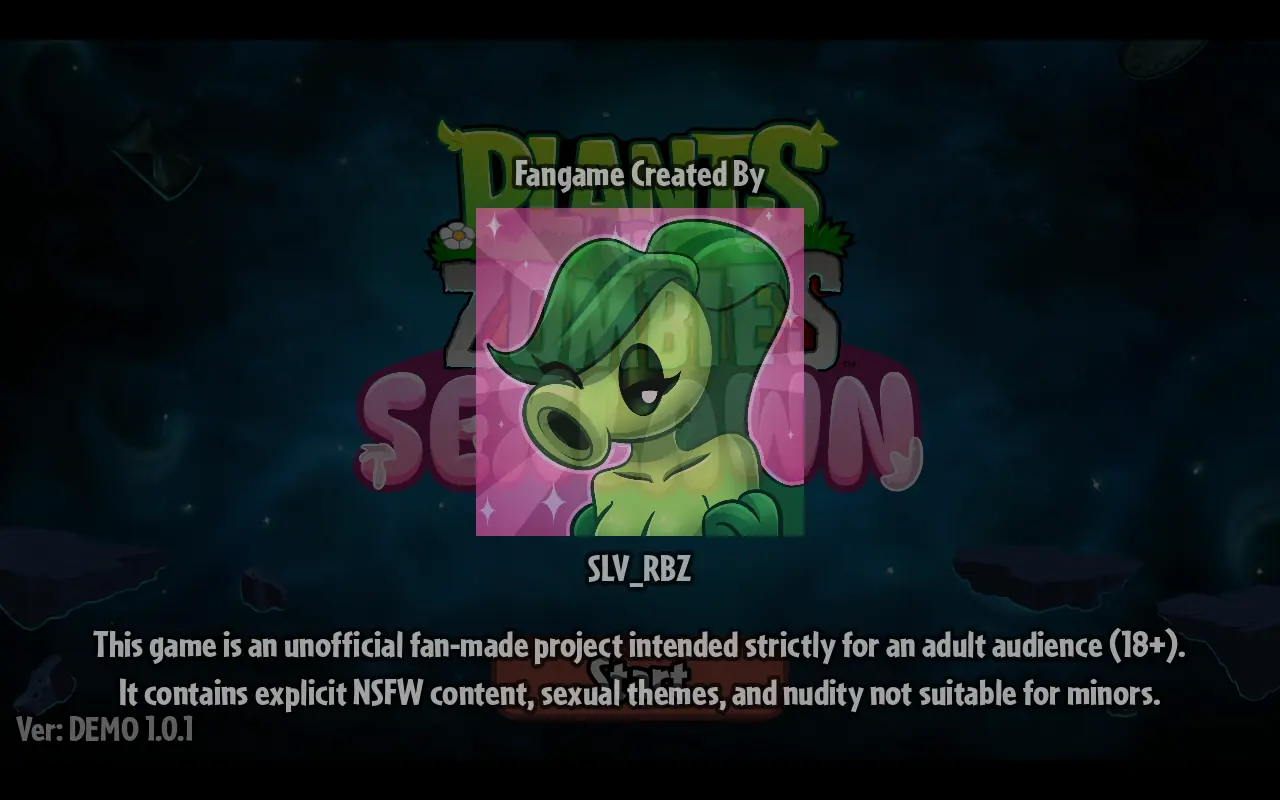
The demo has 13 levels and 11 plants. The player displays its version on the title screen. Future additions are not promised on this website.
Does installing the site make the game work offline?
No. Installation adds a browser app shortcut. Some visited pages and site assets may be cached, but the externally hosted game still needs internet access.
Will refreshing keep my progress?
Do not rely on that. Refreshing restarts the browser session, and the site does not provide cloud saves. Use any saving or progress features the game itself offers.
What should I do if the player stays black?
Allow the first load to finish, then check your connection and use a browser with WebGL enabled. If the problem persists, email support@pvzsexlawn.com with the page URL, device, browser, and what you saw.